
Odd Setup Issues with the Xerox WorkCentre 4260MFP
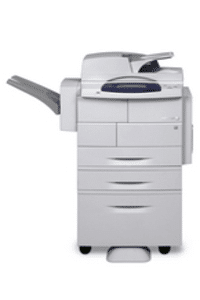 We ordered the WorkCentre 4260XF for one of our customers. We saw the box which comes in about 7 feet tall of so. A bit daunting at first. We got it all put together and then started the task of doing the install. The first small issue we had was the PEK that was shipped, well, it was a bit flaky and had to be positioned just right in order to authenticate the machine and allow further setup.
Copy and print were a breeze, of course. We had one small Windows 7 issue, but that was because we had a corrupted computer and the computer wasn't showing signs of an issue until we tried to install the driver. It was a quick fix and not related to the copier.
We started the scan portion. We decided to hook up the copier using LDAP and SMTP. We had the SMTP as open and unencrypted. This normally works fine. We put in a bogus donotreply@companydomain.com email. The scanner kept coming back with the code "Failed" – Not too descriptive. We called another user to check their setup as sometimes the easiest way to get these working is copying someone else whose is working. Ultimately, the solution we had to employ was creating an Email address for the copier so it would authenticate with the mail server. We don't think this should be necessary when it is open, but it did fix the issue. So scanning to Email now was working.
Fax is supposed to be simple. We could hear a dial tone if we turned on the speaker. It would dial and not shake hands with the other party. We had better luck when turning off the ECM (Error Correction Mode). It isn't perfect yet, but the people at 800-835-6100 were actually pretty helpful. We have a tech coming to look at the phone lines to see if the baud rates should be lowered on the fax card.
If you need a copier or help with an install, feel free to give us a holler!